SSH Tunneling Explained: The Hidden Superpower Behind Secure Connections
Local, remote and dynamic SSH tunnels: what each one does, the command for it, real DevOps use cases, and fixes for the errors you’ll hit.
 Dhananjay Aggarwal, · 6 min read
SSH is already powerful for remote login, but its real magic lies in a feature many beginners overlook: SSH tunneling.
If you work with Linux, DevOps, cloud or backend systems, SSH tunneling is one of those skills that instantly separates a beginner from a real engineer. It lets you securely reach internal services, get around restrictive networks, forward ports, and create encrypted pathways that protect your data from eavesdroppers.
This article breaks tunneling down with analogies, real-world examples, diagrams and practical commands you can use immediately.
What Is SSH Tunneling?#
SSH tunneling is a technique that creates a secure, encrypted pathway (a tunnel) between your local machine and a remote machine. You can route any kind of network traffic through this tunnel.
You can use SSH tunnels to:
- Access internal servers from outside the network
- Get past firewalls
- Protect sensitive data
- Connect to remote databases securely
- Expose local development servers to remote machines
- Debug services running inside private networks
Simple Analogy to Understand SSH Tunneling#

Imagine two buildings separated by a busy street full of people. Normally, if you send a package across, anyone can intercept it.
SSH tunneling acts like:
- A private underground tunnel
- That only you and your friend have keys to
- Where anything you send is invisible to everyone outside
This lets you move information safely, even through dangerous or untrusted areas.
Types of SSH Tunneling#
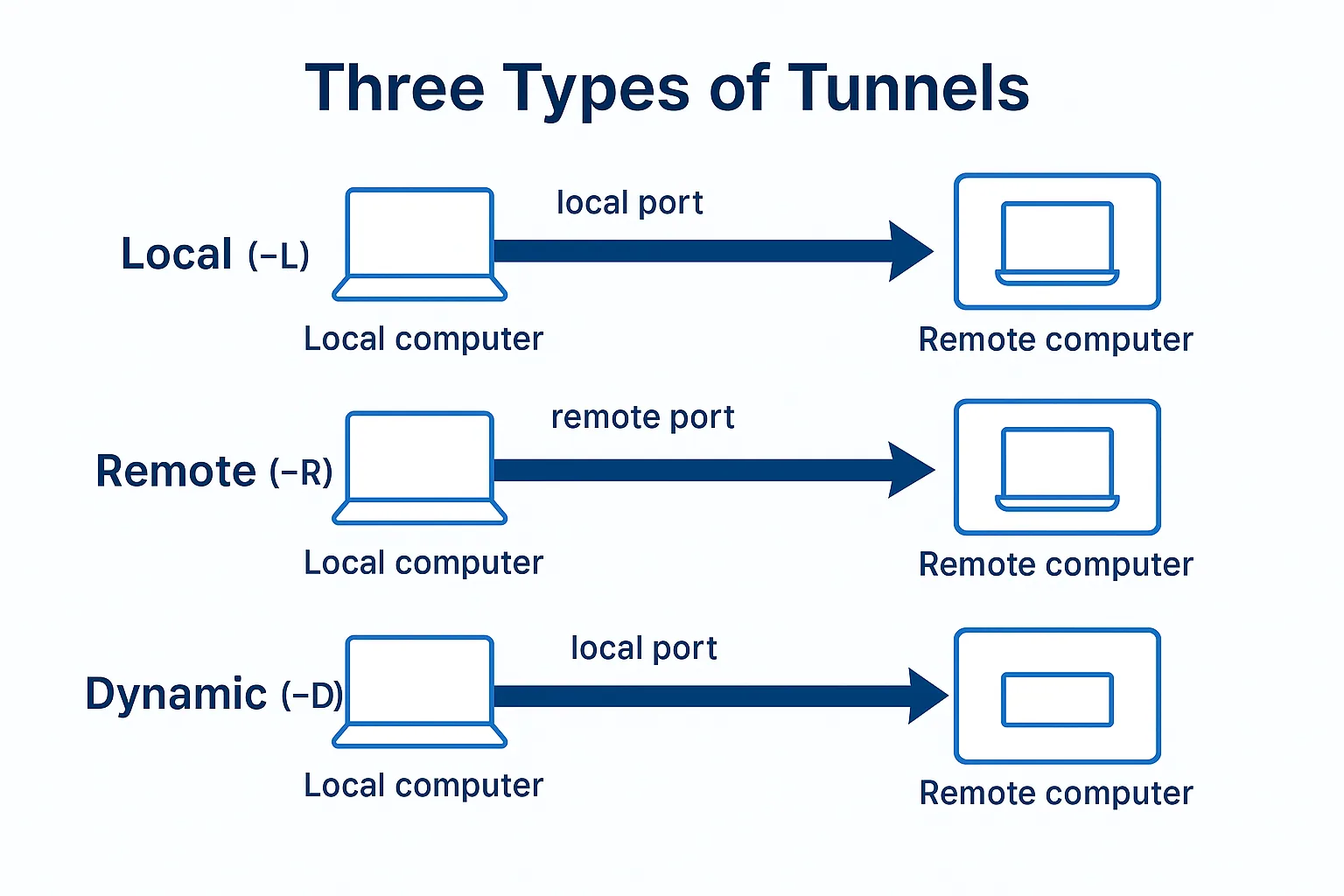
SSH supports three types of tunnels:
- Local Port Forwarding (ssh -L)
- Remote Port Forwarding (ssh -R)
- Dynamic Port Forwarding (ssh -D)
Each one suits different real-world scenarios.
1. Local Port Forwarding (-L)#
Routes a port on your local machine to a port on a remote server.
Command
Meaning
- You open
localhost:8080on your laptop - It tunnels to the remote server
- The remote server connects to
localhost:3000on its side
Real life example
You need to reach a database that is only available inside the cloud VPC.
Now your local machine can connect to the remote PostgreSQL database with:
2. Remote Port Forwarding (-R)#
Exposes a port on your local machine to a remote server.
Command
Meaning
- The server opens
localhost:9000 - Anything hitting that port is forwarded to port
8080on your local system
Real life example
Your backend team wants to see your local development server.
You run:
Now the team can open:
and view your local React or Node app.
3. Dynamic Port Forwarding (SSH SOCKS Proxy) (-D)#
This is the coolest one. It turns your SSH connection into a mini VPN for your browser or apps.
Command
Meaning
Your system creates a SOCKS5 proxy on port 9090. All traffic passes through the SSH tunnel.
Real life example
You are on public Wi-Fi and need safe browsing or access to restricted websites.
Configure the browser proxy:
SOCKS5 → localhost:9090
Now all browsing traffic moves through the encrypted SSH tunnel.
When Do You Use Each Tunnel?#
| Tunnel | Use it for |
|---|---|
| Local (-L) | Reaching remote internal services |
| Remote (-R) | Letting remote systems reach your local service |
| Dynamic (-D) | Browsing securely through an encrypted proxy |
Real World DevOps Use Cases#
1. Accessing a private database on AWS#
DevOps teams regularly tunnel into RDS, MongoDB, Redis or Elasticsearch nodes.
2. Debugging Kubernetes pods#
Developers forward ports from pods to their laptops.
3. Going through bastion hosts#
SSH tunneling is combined with jump hosts for multi-layer access.
4. Securely reaching internal dashboards#
Grafana, Prometheus, Jenkins and Kibana often expose only private ports.
5. Protecting your traffic on public Wi-Fi#
Dynamic tunnels are widely used as lightweight VPNs.
Common Problems and Solutions#
- Problem: “Bind: Address already in use”. Cause: the port is already taken by another process. Fix: use a different port or free the one in use.
- Problem: “Connection refused”. Cause: the remote service is not running or not reachable. Fix: start the service or check network and firewall settings.
- Problem: “Permission denied for remote forwarding”. Cause: the SSH server does not allow remote port forwarding. Fix: set
AllowTcpForwarding yeson the server or ask the admin.
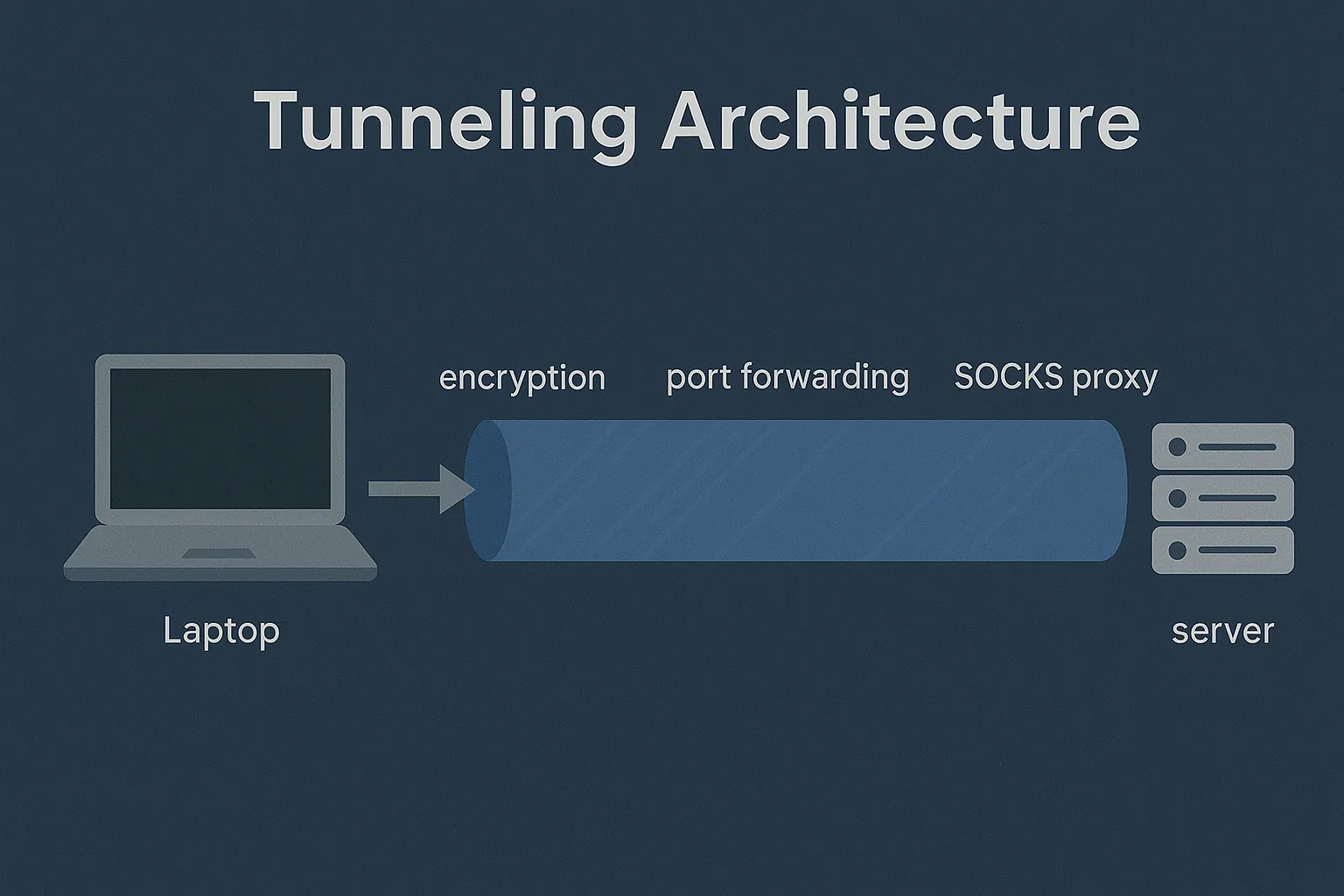
Tunneling Architecture Diagram#
Conclusion#
SSH tunneling is one of the most powerful and practical tools in modern engineering. Whether you want to reach private services, debug systems, get around network restrictions or browse securely, SSH tunneling gives you full control with strong encryption and flexibility.
Mastering SSH tunneling is essential if you work with cloud servers, Linux systems, DevOps pipelines or backend infrastructure.
Filed under networking, ssh, devops

Written by Dhananjay Aggarwal