rsync: The Most Powerful File Sync and Backup Tool for Linux
rsync explained with the options you’ll actually use: local and remote syncs over SSH, mirroring, exclusions, incremental backups, cron jobs and deploys.
 Dhananjay Aggarwal, · 4 min read
In my previous article, I covered Robocopy, one of the most reliable file copy and directory mirroring tools for Windows users. Robocopy is excellent in Windows environments, but it is not available on Linux. Linux has its own native tool that offers even more flexibility, speed and control. That tool is rsync.
rsync is the standard solution for file synchronization and backup automation across Linux servers, cloud instances and local machines. It is used by system administrators, DevOps engineers and anyone who needs a fast, efficient file transfer mechanism on Linux.
This article explains rsync in detail, gives practical examples, and shows why it is the preferred option on Linux.
What is rsync?#
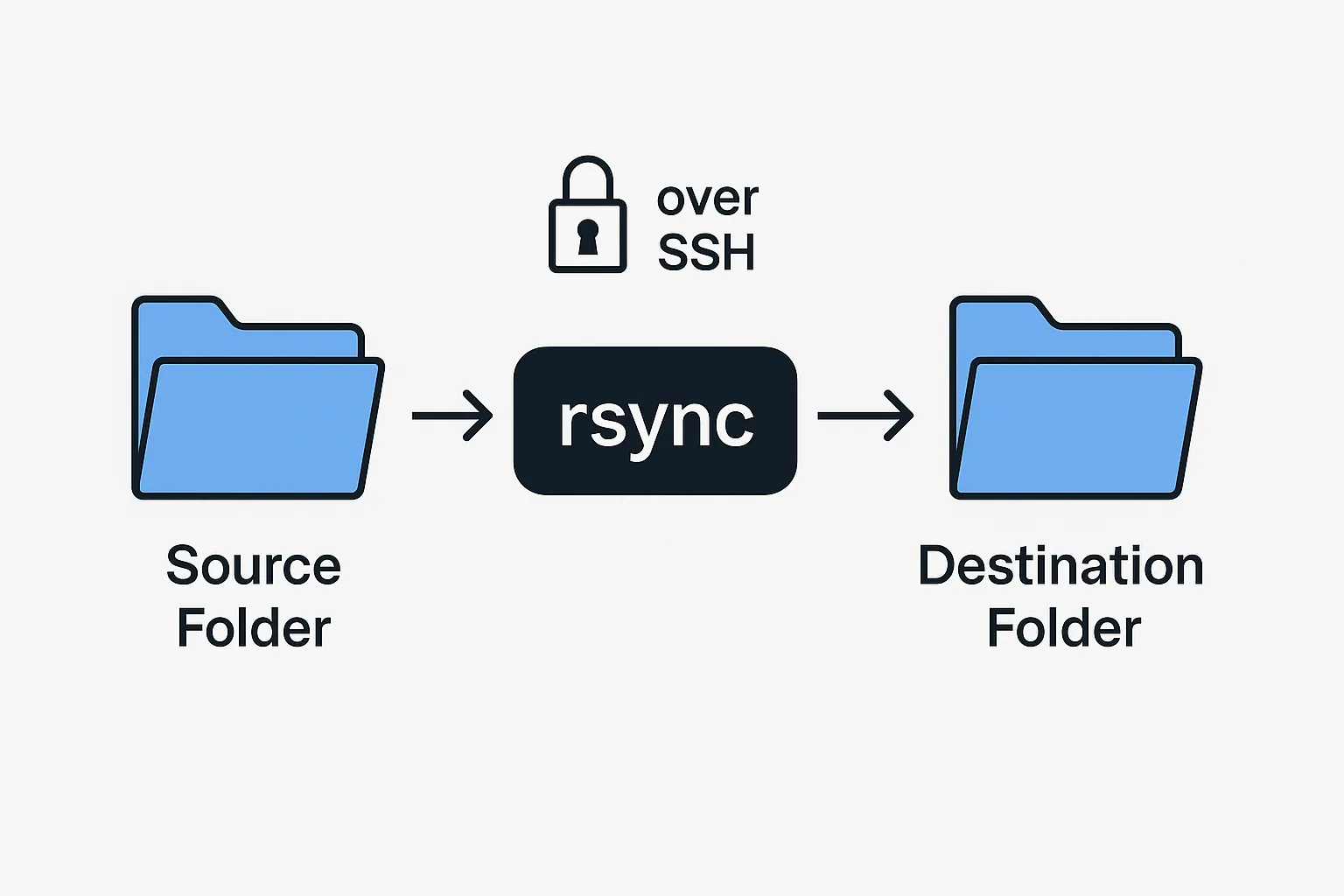
rsync is a command line utility that synchronizes files and directories between two locations. It can work locally or over a remote connection using SSH.
Key capabilities include:
- Delta-based file transfer
- Fast, bandwidth-efficient syncing
- Preserved metadata: permissions, ownership, timestamps and symlinks
- Secure remote transfer over SSH
- Directory mirroring
- Exclusions and pattern-based filtering
- A natural fit for cron-based backups and automation
Why rsync is so popular#
1. Efficient#
Only the changed blocks of a file are transferred, which saves time and reduces network usage.
2. Reliable#
rsync handles interruptions and preserves all metadata accurately.
3. Secure#
It uses SSH for encrypted file transfer.
4. Automation friendly#
Perfect for cron jobs, scripts, deployment pipelines and server maintenance tasks.
5. Cross platform#
Available on Linux, Unix, macOS and WSL.
Basic rsync Syntax#
Example:
This copies all files from docs to backup/docs with their original permissions preserved.
Common rsync Options#
| Option | What it does |
|---|---|
-a | Archive mode, which preserves metadata |
-v | Verbose output |
-z | Compression during transfer |
-h | Human-readable numbers |
--delete | Remove files at the destination that are not in the source |
--exclude | Exclude patterns or folders |
--progress | Show detailed progress |
-e ssh | Force rsync to use SSH |
Practical rsync Examples#
1. Copy files locally#
2. Sync files to a remote server via SSH#
3. Download files from a remote server#
4. Mirror a directory#
Note: --delete removes files from the destination that do not exist in the source.
5. Exclude files or directories#
6. Show transfer progress#
7. Incremental backup using rsync#
Advanced rsync Techniques#
1. Automating daily backups with cron#
Add:
This runs every day at 2 AM.
2. Syncing data over slow or unstable networks#
--partial keeps partially transferred files so the sync can resume later.
3. Using rsync for deployments#
Conclusion#
Robocopy is the ideal solution for file synchronization on Windows, but rsync is the real powerhouse on Linux. It delivers excellent performance, secure transfers through SSH, and precise control over every part of file replication. Whether you are managing servers, running backups or automating deployments, rsync is the tool you will rely on.
Filed under linux, rsync, backups

Written by Dhananjay Aggarwal